
Amazon Web Services has introduced Amazon EC2 T8i instances, a new generation of low-cost, burstable x86 compute instances designed for workloads with low-to-moderate CPU utilization.
Powered by custom sixth-generation Intel Xeon Scalable Processors (Granite Rapids) and the AWS Nitro System, T8i instances deliver up to 30% better price performance than previous-generation T3 instances, according to AWS.
For organizations running lightweight applications, development environments, microservices, low-traffic websites, and short-duration compute workloads, T8i provides another option to consider when optimizing EC2 infrastructure costs.
What Are AWS EC2 T8i Instances?
T8i is the latest generation of AWS EC2 burstable performance instances for x86 workloads.
Like the T3 family, T8i instances use the CPU credit model. They provide a baseline level of CPU performance and can burst above that baseline when additional CPU capacity is required.
AWS positions T8i for workloads such as:
- Development and testing
- Staging environments
- Low-traffic websites
- Microservices
- Small databases
- Freemium services
- Training and demonstration environments
- Data processing
- Login and authentication gateways
- CI/CD pipelines
- Batch processing
- Event-driven workloads
- Short-duration compute tasks
AWS also notes that customers are experimenting with AI inference workloads, making T8i potentially relevant for suitable lightweight inference scenarios.
T8i vs T3: Performance Improvements
One of the main reasons to consider T8i is the improvement over previous-generation T3 instances.
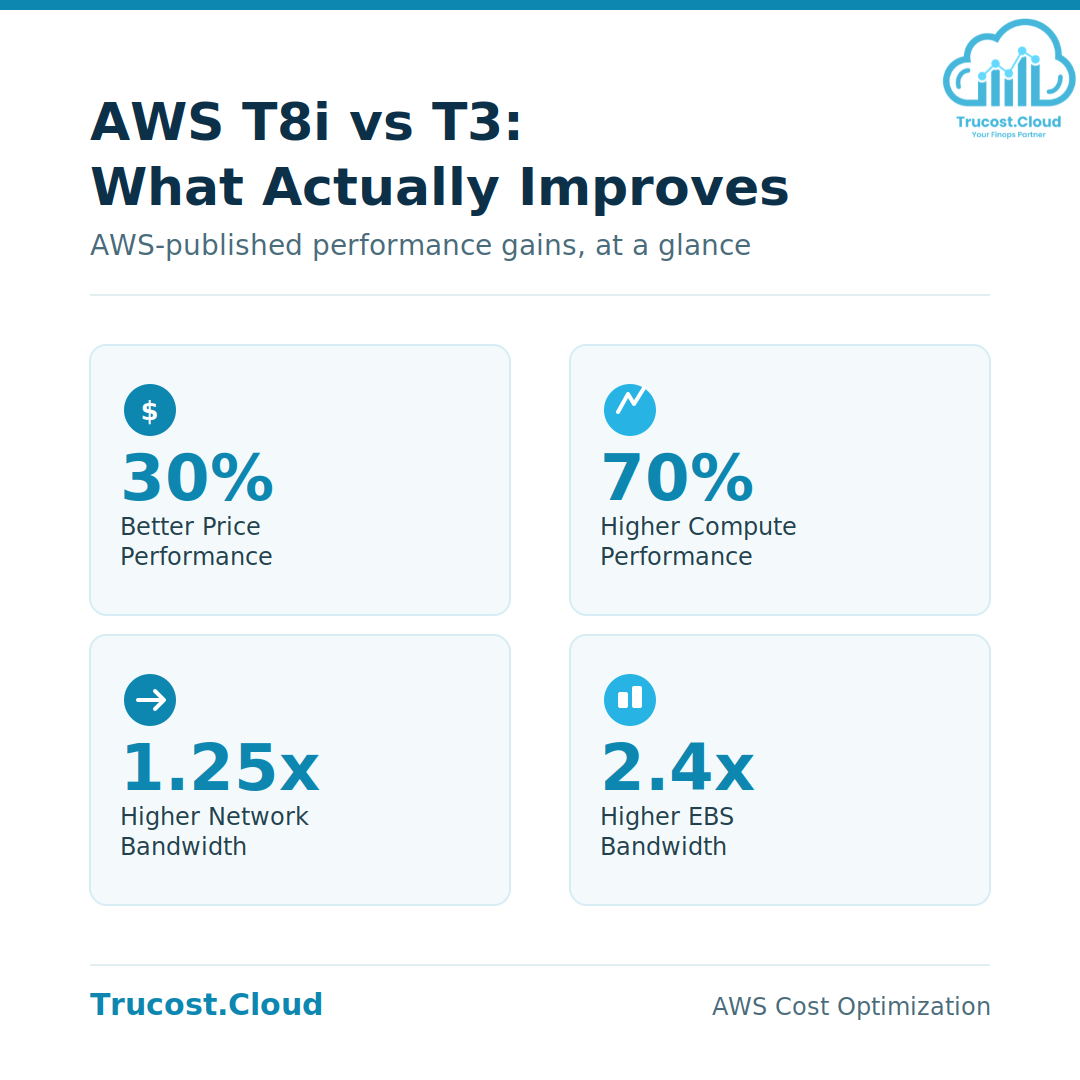
According to AWS, T8i provides:
Metric | T8i vs T3 |
Price performance | Up to 30% better |
Compute performance | Up to 70% higher |
Network bandwidth | Up to 1.25x higher |
EBS bandwidth | Up to 2.4x higher |
These figures are AWS-published maximum improvements. Actual performance and cost benefits will depend on the workload, configuration, operating system, Region, and purchasing model.
For organizations migrating from T3, AWS describes T8i as a straightforward upgrade path because it retains the same CPU credit system and familiar burstable-performance model.
AWS EC2 T8i Instance Sizes and Specifications
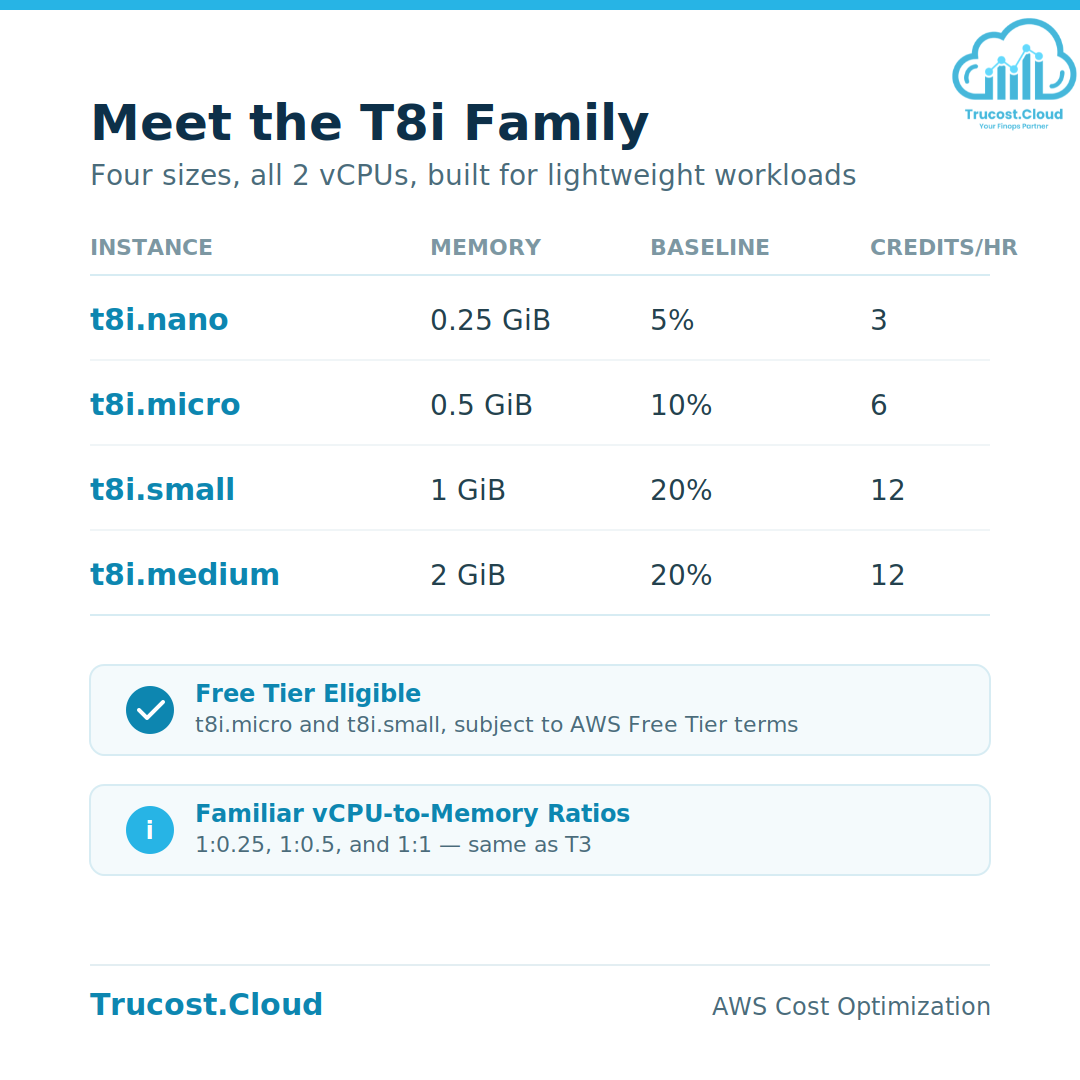
T8i is currently available in four sizes. Each size provides 2 vCPUs, offered as a single core.
Instance | vCPUs | Memory | Baseline Performance / vCPU | CPU Credits/Hour | Network Burst Bandwidth |
t8i.nano | 2 | 0.25 GiB | 5% | 3 | Up to 6.25 Gbps |
t8i.micro | 2 | 0.5 GiB | 10% | 6 | Up to 6.25 Gbps |
t8i.small | 2 | 1 GiB | 20% | 12 | Up to 6.25 Gbps |
t8i.medium | 2 | 2 GiB | 20% | 12 | Up to 6.25 Gbps |
T8i also provides the same unusual vCPU-to-memory ratios associated with T3, including 1:0.25, 1:0.5, and 1:1.
This makes the family suitable for applications that need a small amount of CPU and memory without moving to a larger general-purpose instance.
How the T8i CPU Credit System Works
T8i uses the AWS burstable CPU credit model.
When CPU utilization is below the instance’s baseline performance, the instance earns CPU credits. Those credits can later be used to burst above the baseline when additional CPU capacity is required.
T8i supports two CPU credit modes:
- Standard mode – CPU usage is managed within the accumulated credit balance.
- Unlimited mode – allows the instance to sustain CPU utilization above its baseline when required, with additional charges potentially applying.
Unlimited mode is the default for T8i.
This model makes T8i particularly relevant for workloads where CPU demand is normally low but occasionally increases.
T8i Use Cases
Development and Testing
Development and test environments often experience periods of low CPU utilization with occasional bursts. T8i can provide a small compute footprint for these environments.
Staging Environments
Staging systems may not require continuous high CPU performance. A burstable instance can be appropriate when utilization is generally low but increases during deployments or testing.
Low-Traffic Websites
Websites with relatively low and variable traffic can benefit from burstable compute because CPU requirements may increase temporarily during traffic spikes.
Microservices
Small microservices and supporting services can be candidates for T8i where CPU utilization remains relatively low.
CI/CD and Batch Processing
T8i can also be considered for short-duration workloads such as CI/CD tasks, batch processing, and other workloads that require additional CPU capacity for limited periods.
Small Databases
Small database workloads with modest and variable CPU requirements may also be suitable, although memory, storage performance, I/O requirements, and database-specific characteristics should be evaluated before migration.
T8i Availability
AWS announced T8i availability in the following Regions:
North America
- US East (N. Virginia)
- US East (Ohio)
- US West (Oregon)
- US West (N. California)
- Canada (Central)
Asia Pacific
- Hyderabad
- Malaysia
- Mumbai
- Seoul
- Singapore
- Sydney
- Tokyo
Europe
- Frankfurt
- Ireland
- London
- Paris
Regional availability can change as AWS expands instance support, so organizations should verify availability in their target Region before deployment.
T8i Purchasing Options
T8i instances are available through:
- On-Demand Instances
- Spot Instances
AWS has stated that Savings Plan support is coming soon.
T8i supports shared tenancy only. Dedicated tenancy and Dedicated Hosts are not supported.
AWS Free Tier
AWS states that t8i.micro and t8i.small are available under the AWS Free Tier, subject to the applicable Free Tier eligibility, duration, and usage terms.
Free Tier benefits can depend on when the AWS account was created, so customers should verify their account-specific Free Tier conditions before assuming that T8i usage will be free.
T8i vs T3: Should You Migrate?
T8i is designed as a straightforward upgrade path for existing T3 workloads.
AWS reports up to:
- 30% better price performance
- 70% higher compute performance
- 1.25x higher network bandwidth
- 2.4x higher EBS bandwidth
However, migration decisions should be based on the actual workload rather than performance claims alone.
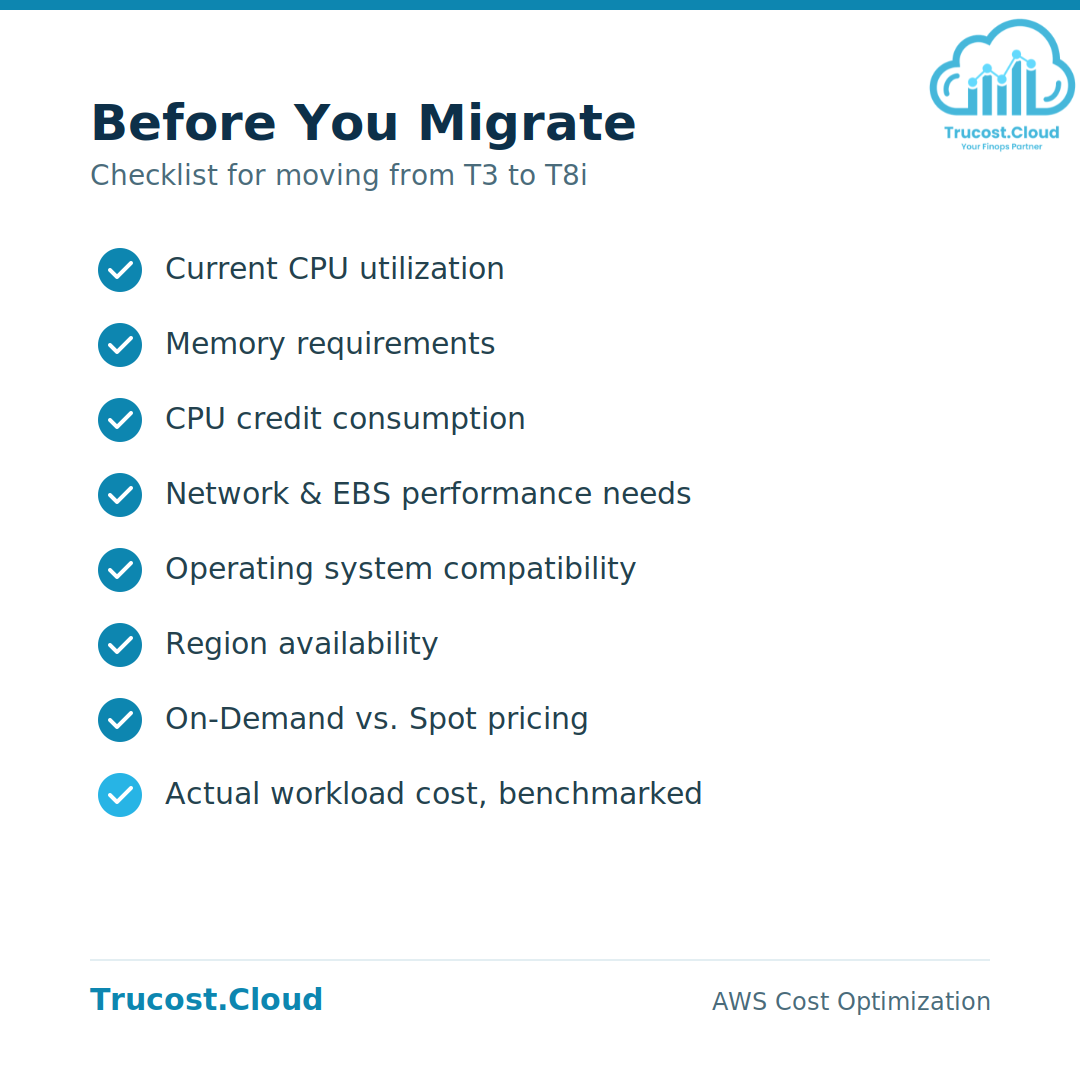
Before moving from T3 to T8i, consider:
- Current CPU utilization
- Memory requirements
- CPU credit consumption
- Network requirements
- EBS performance requirements
- Operating system compatibility
- Application architecture
- Region availability
- On-Demand versus Spot pricing
- Actual workload cost
A practical approach is to benchmark the workload on T8i and compare both performance and total cost against the existing T3 configuration.
What If You Need More Than T8i?
T8i currently goes up to t8i.medium.
For workloads requiring larger instance sizes, AWS recommends M8i Flex instances as an alternative. M8i Flex provides up to 30% better price performance than equivalent previous-generation T3 instances and scales up to 16xlarge.
This makes M8i Flex a potential option when a workload has outgrown the memory or compute capacity available in the T8i family.
AWS EC2 T8i and Cloud Cost Optimization
T8i is particularly relevant to cloud cost optimization because choosing the correct EC2 instance size can directly affect infrastructure spending.
However, lower-cost compute does not automatically mean lower total application cost.
For effective EC2 cost optimization, organizations should evaluate:
- CPU utilization
- Memory utilization
- CPU credit consumption
- Network usage
- EBS performance
- Instance uptime
- On-Demand versus Spot usage
- Workload scheduling
- Regional pricing
- Application performance
Rightsizing should therefore be based on actual workload metrics rather than instance price alone.
How Trucost.Cloud Can Help
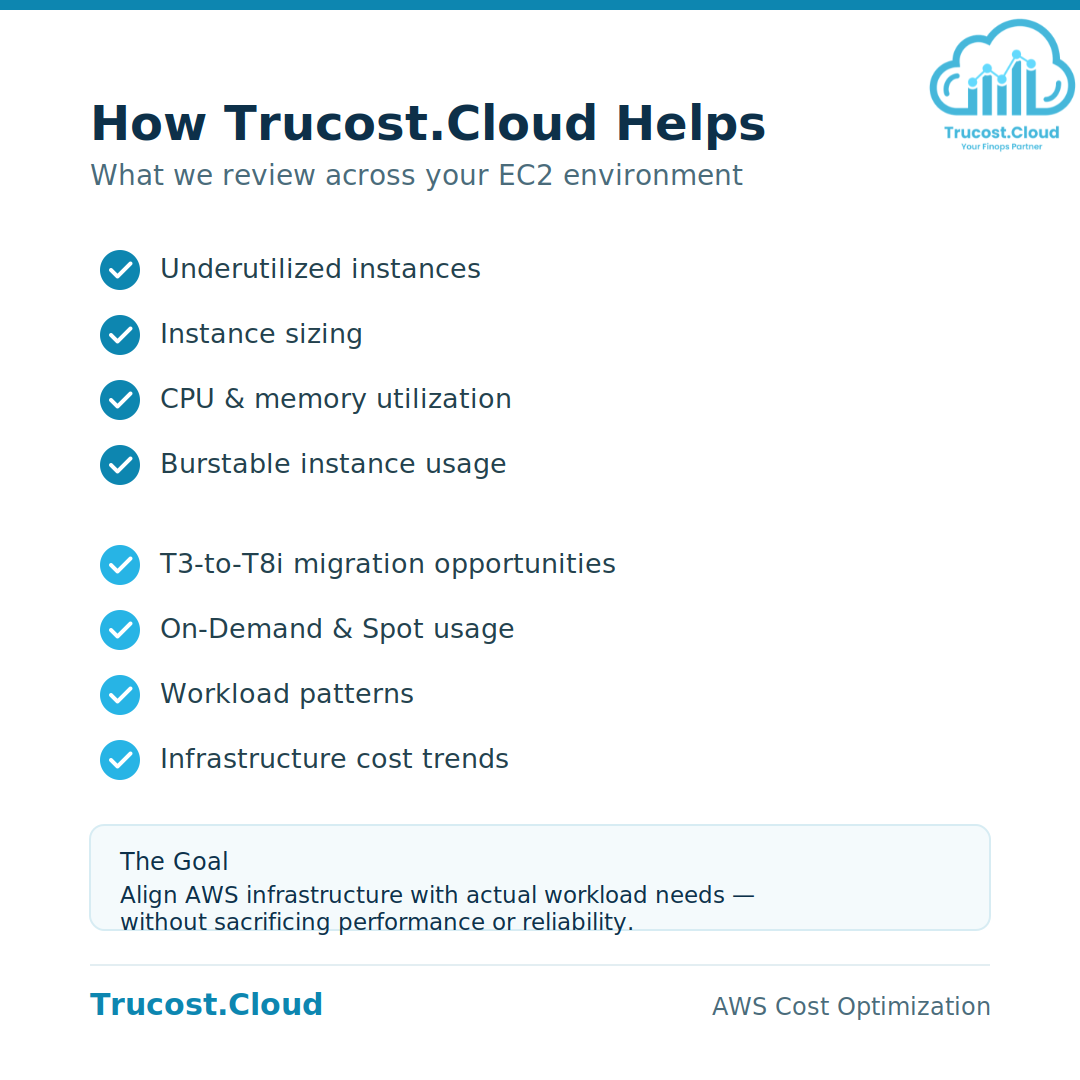
At Trucost.Cloud, we focus on helping organizations identify opportunities to improve AWS infrastructure efficiency and manage cloud costs.
For EC2 environments, this can include reviewing:
- Underutilized instances
- Instance sizing
- CPU and memory utilization
- Burstable instance usage
- T3-to-T8i migration opportunities
- On-Demand and Spot usage
- Workload patterns
- Infrastructure cost trends
The goal is to align AWS infrastructure with actual workload requirements while maintaining application performance and reliability.
Conclusion
AWS EC2 T8i introduces a new low-cost burstable option for organizations running lightweight or variable-CPU workloads.
With up to 30% better price performance, up to 70% higher compute performance, up to 1.25x higher network bandwidth, and up to 2.4x higher EBS bandwidth compared with T3, T8i provides an additional option for cost-conscious EC2 deployments.
Its familiar CPU credit model and small instance sizes also make it relevant for development, testing, staging, microservices, low-traffic applications, CI/CD, batch processing, and other workloads with low-to-moderate CPU requirements.
For existing T3 environments, T8i is worth evaluating as part of an EC2 rightsizing and cost-optimization strategy. For workloads that require larger instance sizes, M8i Flex provides a larger-scale alternative.
The best choice should ultimately be based on workload metrics, performance requirements, regional availability, and actual AWS pricing.
Frequently Asked Questions
Q1: What are AWS EC2 T8i instances?
AWS EC2 T8i instances are low-cost, burstable x86-based EC2 instances powered by custom sixth-generation Intel Xeon Scalable Processors (Granite Rapids). They are designed for workloads with low-to-moderate CPU utilization.
Q2: How much faster is T8i than T3?
AWS states that T8i provides up to 70% higher compute performance, up to 1.25x higher network bandwidth, and up to 2.4x higher EBS bandwidth compared with T3. AWS also reports up to 30% better price performance.
Q3: What workloads are suitable for T8i?
T8i can be considered for development, testing, staging, microservices, low-traffic websites, small databases, data processing, CI/CD, batch processing, event-driven workloads, and other workloads with low-to-moderate CPU requirements.
Q4: How does T8i CPU bursting work?
T8i uses CPU credits. When an instance operates below its baseline performance, it earns CPU credits. Those credits can then be used to burst above the baseline when additional CPU capacity is required.
Q5: What T8i sizes are available?
T8i currently includes four sizes:
- t8i.nano
- t8i.micro
- t8i.small
- t8i.medium
Each provides 2 vCPUs.
Q6: Is T8i available under the AWS Free Tier?
AWS states that t8i.micro and t8i.small are available under the AWS Free Tier, subject to the applicable Free Tier terms and account eligibility.
Q7: Can I migrate from T3 to T8i?
Yes. AWS describes T8i as a straightforward upgrade path from T3 because it uses the same CPU credit system and familiar burstable-performance model. Before migrating production workloads, validate performance, CPU credit usage, memory requirements, and actual costs.
Q8: What should I use if T8i is too small?
For workloads that need larger instance sizes than the available T8i sizes, AWS recommends M8i Flex. M8i Flex scales up to 16xlarge.