AWS Savings Plan Utilization: Avoid Commitment Waste
AWS Savings Plans are one of the most powerful cost-reduction levers available to cloud teams — up to 72% off on-demand pricing in exchange for a one- or three-year spend commitment. But there’s a catch most teams don’t fully grasp until they see it on an invoice: unused commitment doesn’t roll over.
Every hour of underutilization is money you can’t recover. And because a Savings Plan is a binding financial commitment — not a discount you opt into as needed — a poorly sized plan can quietly erode the very savings it was supposed to deliver.
At Trucost.cloud, we review payer accounts every week where Savings Plans are actively costing clients money instead of saving it. This guide breaks down exactly how the mechanism works, why commitments go underutilized, and the discipline we use to keep our clients’ plans tight, efficient, and drift-free.
How the Hourly “Use-It-or-Lose-It” Rule Works
When you purchase a Savings Plan, you commit to paying a specific dollar amount per hour, for one or three years. Because the commitment is based on spend rather than specific instances, it’s more flexible than traditional Reserved Instances — but the underlying mechanic is identical: use it or lose it.
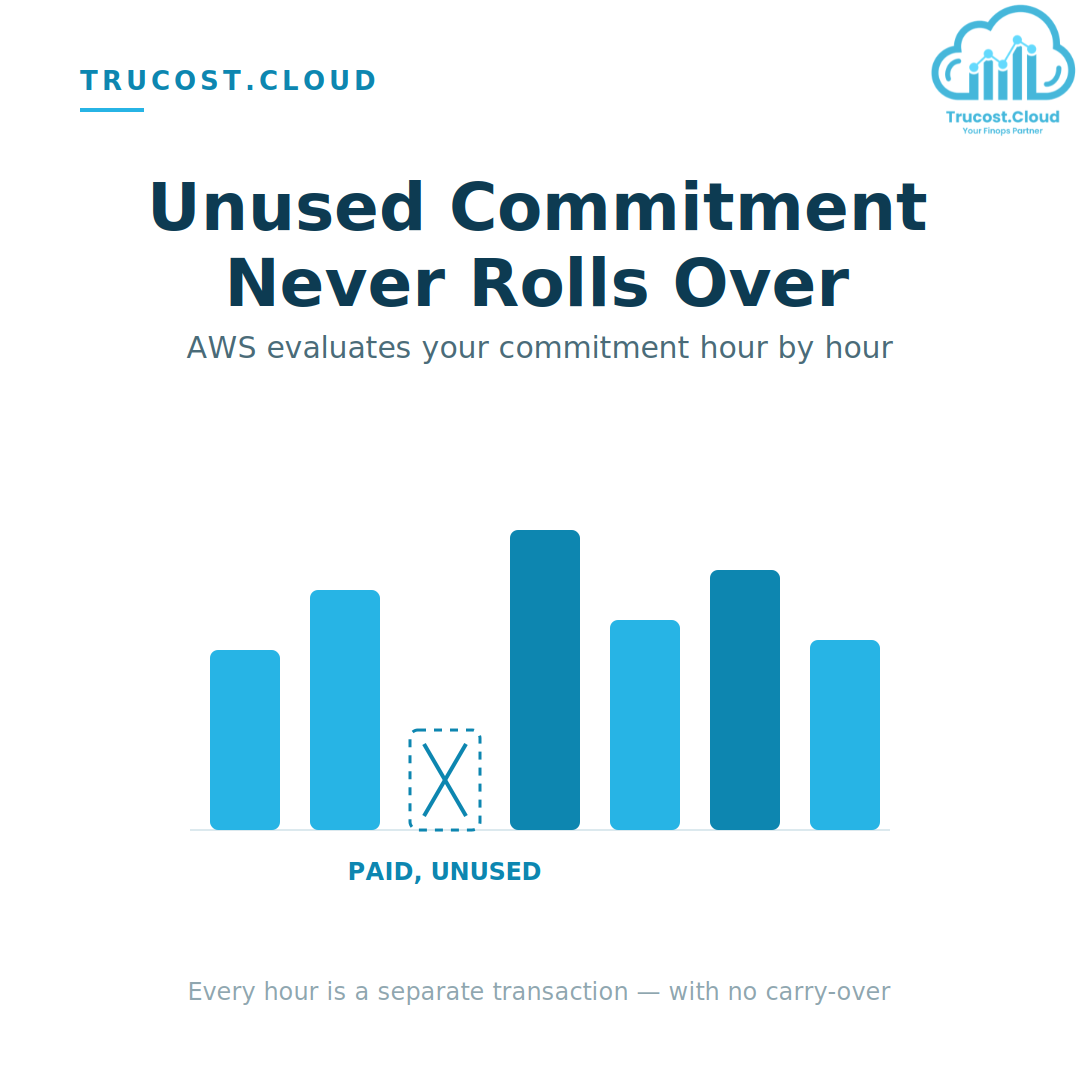
AWS evaluates your commitment at hourly granularity. Each hour, it looks at your eligible compute usage and applies your commitment — starting with the highest discount rates first. If you commit to $10/hour but only generate $8 of eligible usage that hour, you still pay the full $10.
⚠️ Critical: No Carry-Over Unused commitment from a quiet hour (say, 2–3 AM) can never offset a traffic spike at 10 AM. That $2 gap is simply lost capital — what FinOps practitioners call commitment waste.
Because AWS never nets low-usage hours against high-usage hours, even small fluctuations in your environment can compound into significant overspend across a full commitment term.
AWS Savings Plan Utilization vs. Coverage: The Two Metrics Teams Confuse
AWS Cost Explorer’s Savings Plans dashboard reports two distinct metrics — and mixing them up is one of the most common (and costly) mistakes in commitment management.
AWS Savings Plan Utilization
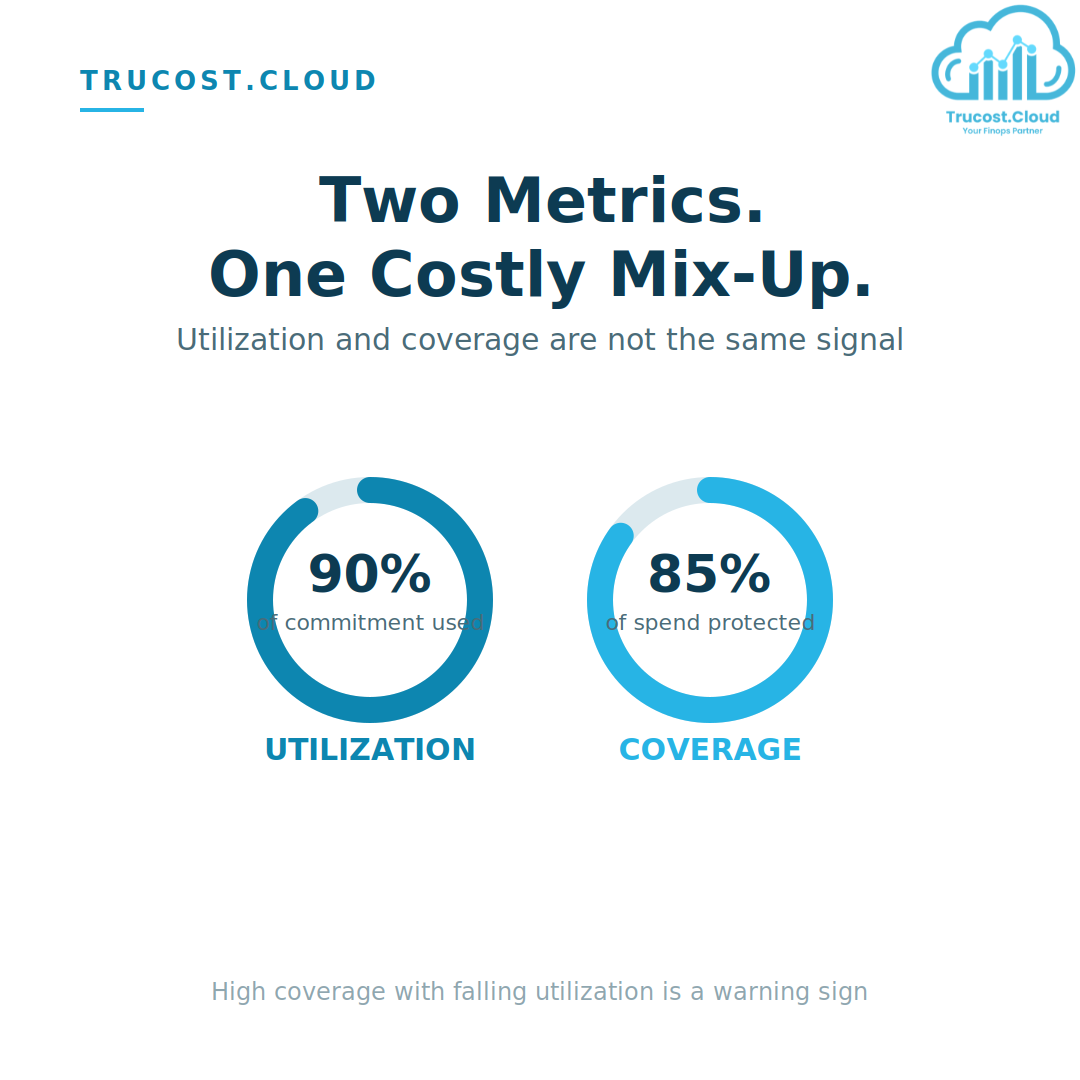
How much of your purchased commitment is actually being consumed. A $10/hour commitment with $9 of usage = 90% utilization. Anything below 100% is money paid to AWS for zero return.
AWS Savings Plan Coverage
What fraction of your total eligible spend is protected by the plan. High coverage sounds great on a dashboard — but chasing it without careful modeling leads straight to overcommitment. When utilization drops, your effective savings rate can fall below what you’d have paid on-demand in the first place.
The Trucost.cloud perspective: we’ve seen teams proudly report 95% coverage while sitting at 70% utilization — celebrating a metric that’s actively bleeding budget. Coverage is a vanity metric unless utilization backs it up.
Can You Cancel or Return an Underutilized Plan?
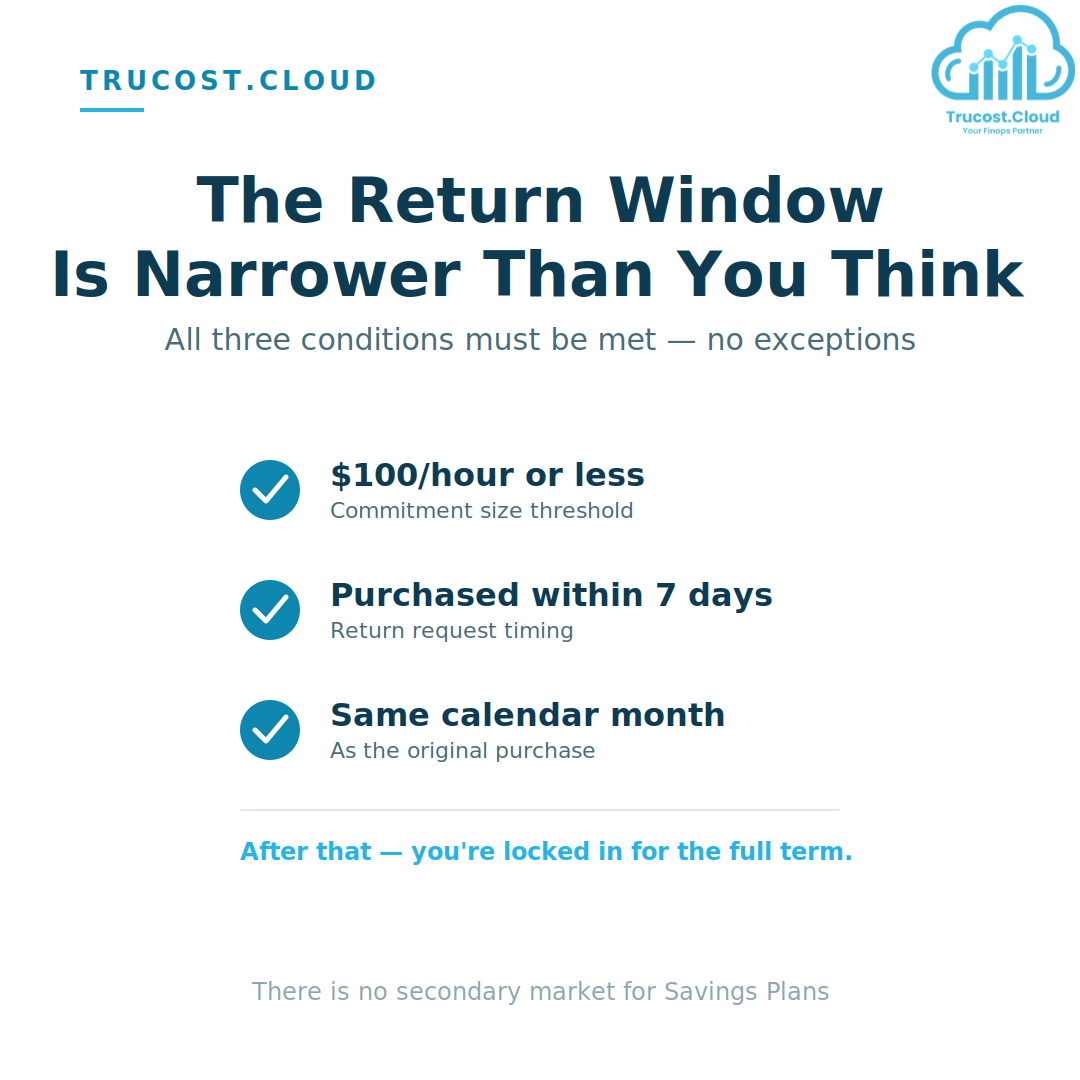
AWS introduced a limited return window for newly purchased Savings Plans — but it’s narrow, and all three conditions must be met simultaneously:
Condition | Requirement |
Commitment size | $100/hour or less |
Purchase age | Within the last 7 days |
Return timing | Same calendar month as purchase |
Once that window closes, you’re locked in for the full term. Unlike Standard Reserved Instances, there is no secondary market for Savings Plans. That lack of liquidity is precisely why careful sizing before purchase is non-negotiable — there’s no undo button waiting for you six months in.
Why Commitments Go Underutilized
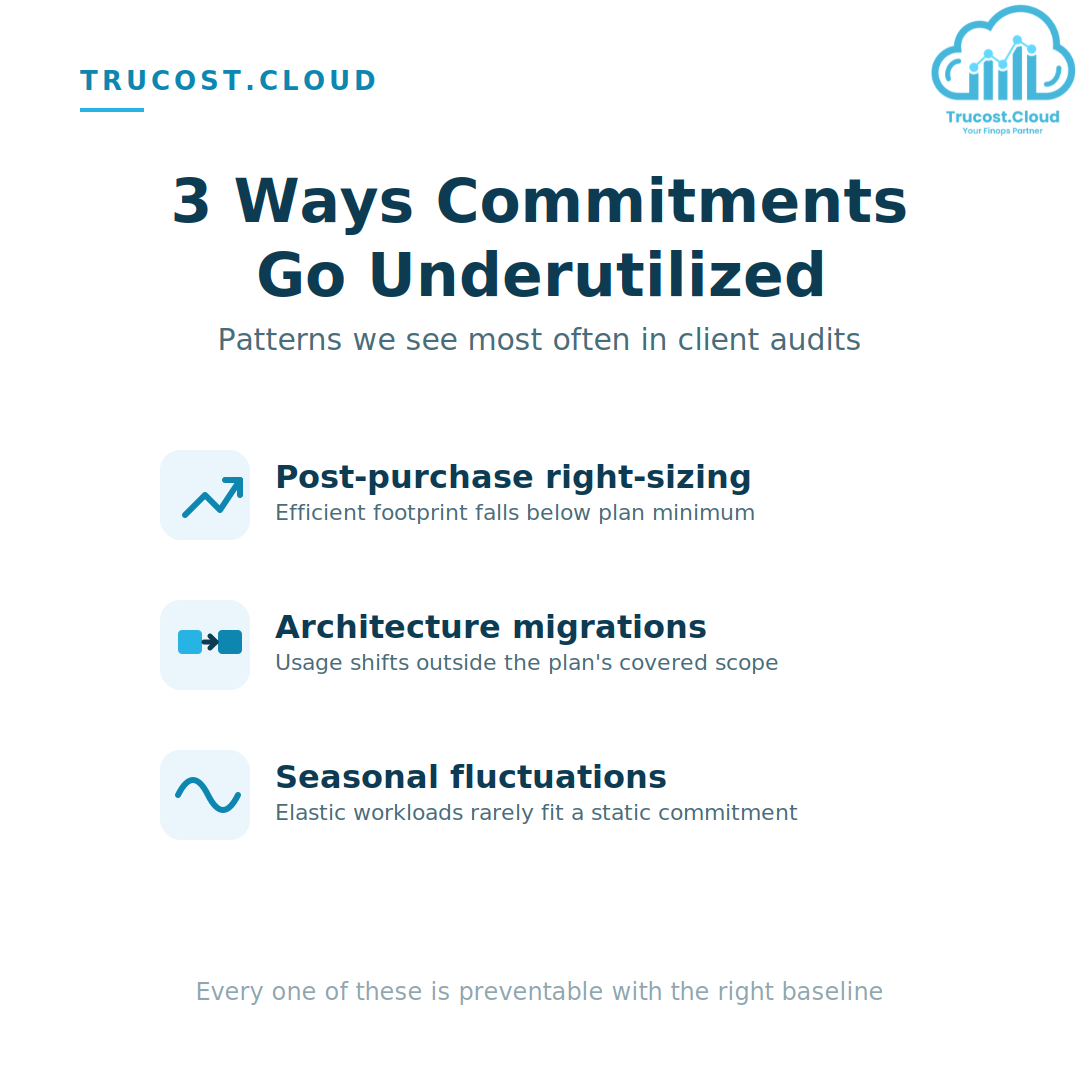
In our client audits, underutilization almost always traces back to one of three patterns:
- Post-purchase right-sizing — You size a plan to your current footprint, then right-size EC2 instances to cut costs. The new, leaner footprint falls below your minimum commitment — so you end up paying for the very efficiency gains you worked to achieve.
- Architecture migrations — Moving workloads from EC2 to Fargate or Lambda mid-term shifts usage outside your plan’s covered scope. Region migrations are especially dangerous for EC2 Instance Savings Plans, which are tied to a specific region.
- Seasonal fluctuations — Commit to peak usage and you overpay in every off-peak hour. Commit to the trough and most of the month runs at on-demand rates. Elastic workloads rarely fit a static, flat-line commitment.
The Fix: Tighter Sizing, Not Bigger Buffers
A lot of teams respond to underutilization risk by under-committing — deliberately leaving 30–40% of eligible spend at on-demand rates as a safety buffer. It feels safe. It also leaves massive savings on the table.
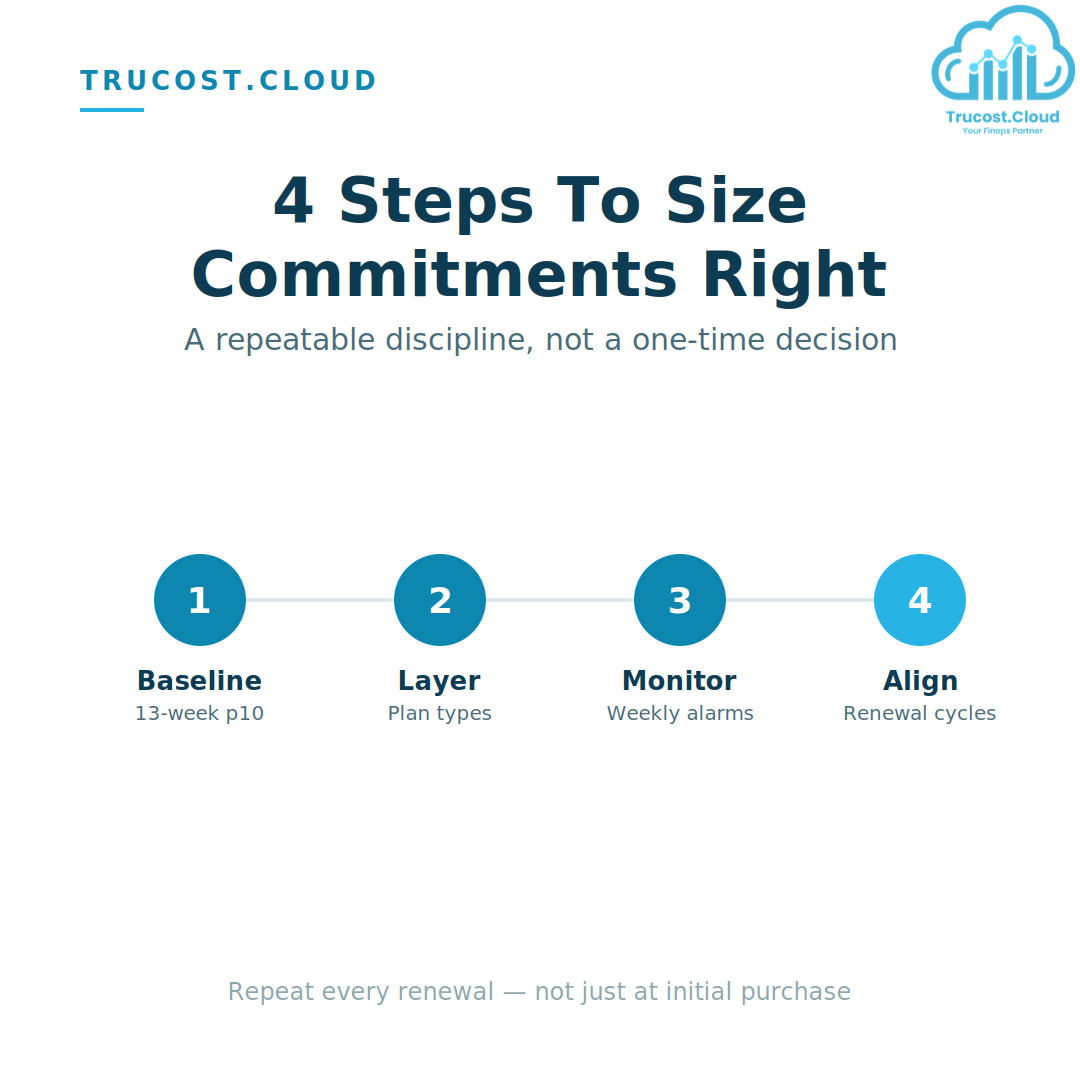
The better answer isn’t a bigger buffer — it’s tighter, data-driven sizing at a higher confidence level. Here’s the four-step discipline we run for every Trucost.cloud client:
Step 1 — Analyze Your Baseline
Pull 13 weeks of hourly compute spend from Cost Explorer. Identify your p10 (lowest 10th percentile) as your safe commitment floor. Anything above this line introduces real underutilization risk.
Step 2 — Layer Plan Types
Use Compute Savings Plans for your stable, cross-service, cross-region baseline. Cover flexible, bursty capacity with EC2 Spot. Avoid over-indexing on a single plan type — diversification is as much a FinOps principle as it is a financial one.
Step 3 — Monitor Weekly
Set CloudWatch alarms on the SavingsPlansUtilization metric. Alert when the 7-day average drops below 90%, so your team can investigate before waste accumulates silently across a billing cycle.
Step 4 — Align Rightsizing to Renewal Cycles
Never run a rightsizing initiative mid-commitment without modeling its impact on utilization. If compute shrinks, shrink the next commitment at renewal to match — don’t let old commitments chase a footprint that no longer exists.
FinOps Practitioner Checklist
Before purchasing any Savings Plan, confirm:
- Your 13-week p10 baseline hourly spend, pulled from Cost Explorer
- Compute SP (flexible) vs. EC2 Instance SP (deeper discount, rigid) — which fits your roadmap
- Any planned architecture changes, migrations, or rightsizing initiatives within the term window
- Seasonal peaks accounted for — commit to steady-state, not peak
- The 7-day return eligibility rules, verified before purchase
- A CloudWatch utilization alarm configured to alert your team within 72 hours of drift
The Trucost.cloud Take: What Most FinOps Guides Miss
Most write-ups on Savings Plans stop at “monitor your utilization.” From auditing real payer accounts, we’d add a few sharper points that don’t get said often enough:
- Underutilization is a lagging indicator — treat it as one. By the time your CloudWatch alarm fires, the waste for that billing cycle has already happened. The real fix isn’t faster alerting; it’s tighter forecasting before purchase, so drift is rare rather than routine.
- Finance and Engineering are usually optimizing for different things. Finance wants coverage, because it looks like risk reduction on a spreadsheet. Engineering wants flexibility, because architecture changes constantly. A Savings Plan strategy that isn’t jointly owned by both teams will drift within two quarters — almost every underutilized plan we’ve audited traces back to a purchase decision made by one side without input from the other.
- “Set and forget” is the single most expensive phrase in FinOps. A Savings Plan is not a discount you buy once — it’s a live financial position that needs the same ongoing scrutiny as a cloud budget itself. Teams that treat the purchase as the finish line are the ones who show up in our audits with six figures of unused commitment.
- Ladder your commitments instead of buying one large plan. Rather than a single 3-year commitment sized to today’s baseline, staggering smaller plans with different start dates gives you room to true-up as usage evolves — without waiting a full term to correct a sizing mistake.
- A discount you can’t fully use isn’t a discount — it’s a liability with a payment schedule. That reframe alone changes how most teams approach sizing: from “how much can we commit to maximize the discount rate” to “what’s the level we can commit to with near-certainty we’ll use.”
Conclusion
AWS Savings Plans reward discipline, not optimism. The discount is real, but it only pays off when the commitment is sized against actual, verified usage — not against a growth projection, a best-case migration timeline, or last quarter’s peak traffic.
The pattern we see across nearly every underutilized plan is the same: a reasonable purchase decision made at a single point in time, followed by months of silent drift as the underlying environment changed and nobody was watching closely enough to catch it. The fix isn’t complicated — a p10 baseline, layered plan types, weekly utilization monitoring, and renewal cycles that stay in sync with rightsizing work — but it does require treating commitment management as an ongoing operational practice, not a one-time purchase decision.
Get the sizing and monitoring right, and a Savings Plan is one of the most reliable cost levers in AWS. Get it wrong, and it quietly becomes one of the hardest line items to unwind.
Frequently Asked Questions
Q1: What counts as “eligible usage” for a Savings Plan?
Eligible usage is compute spend that qualifies under the plan type you purchased — for example, EC2, Fargate, and Lambda usage for a Compute Savings Plan, or specific instance family/region usage for an EC2 Instance Savings Plan. Usage outside that scope doesn’t draw down your commitment and doesn’t receive the discount.
Q2: Does unused commitment ever carry over to a future hour?
No. AWS evaluates commitment on an hourly basis with no carry-over, meaning a quiet hour can never offset a busy one. Underutilized hours are billed in full and cannot be recovered later in the term.
Q3: How is utilization different from coverage?
Utilization measures how much of what you purchased is being used. Coverage measures how much of your total eligible spend is protected by a plan. High coverage with low utilization is a warning sign, not a win.
Q4: Can I downsize or exit a Savings Plan once it’s active?
Only within a narrow return window: the commitment must be $100/hour or less, the purchase must be within the last 7 days, and the return must occur in the same calendar month as the purchase. Outside that window, you’re committed for the full term, and there’s no secondary market to resell into.
Q5: What’s a realistic utilization target?
Most mature FinOps teams target 95–100% utilization on their baseline commitment, using Spot or on-demand to absorb variable, bursty capacity above that line. Anything sustained below 90% typically warrants an audit.
Q6: How often should we review our Savings Plan utilization?
Weekly, at minimum, via a CloudWatch alarm on the SavingsPlansUtilization metric. Monthly reviews are often too slow to catch drift caused by a rightsizing project or migration before it compounds into real waste.
Don’t Let Commitment Waste Erode Your Cloud Savings
Savings Plans are one of the highest-leverage tools in the FinOps toolkit — but only when they’re sized against real usage data and actively monitored through the term. Left unmanaged, they quietly convert a discount mechanism into a liability.
Trucost.cloud helps engineering and finance teams take the guesswork out of AWS commitment management — from baseline analysis and plan layering to weekly utilization monitoring and renewal alignment.
Managing AWS Commitments for Your Organization?
Run a utilization audit across all your payer accounts. It takes under an hour with Cost Explorer and can surface thousands of dollars in monthly waste hiding in plain sight.
Get a Free Savings Plan Utilization Audit →
Talk to the Trucost.cloud FinOps team today and find out exactly where your commitments are leaking value.